
Testing for Accessibility
At Vonage, we are aiming to meet level AA of the Web Content Accessibility Guidelines 2.2 (WCAG). To accomplish this, it’s important to consider accessibility from the start of a project and test at key stages throughout the project lifecycle.
We recommend a combination of automated and manual test to ensure that most accessibility issues can be detected.
The Vivid team uses a variety of tools during the development process, including, but not limited to:
- WAVE browser plugin
- Axe browser plugin
- Figma contrast plugin
The team also uses general inspection techniques, including:
- sensory inspection (visual, auditory, etc.)
- HTML inspection using browser developer tools
- accessibility tree inspection
We use automated testing tools to audit our components for WCAG compliance to catch low level issues in the development phase.
We recommend using tools such as Deque’s axe-core for the web for automated testing. Each Vivid component is tested using axe as part of our CI /CD process. Please reach out to us if you need help integrating this tool.
Although automated tests catch many basic issues, there many issues that they can not test for. A 2017 study from GDS concluded that only ~30% of issues are found by automated testing tools, such as axe-core.
Some of the issues that automated checks don’t usually cover are:
- Correct reading order of content
- Appropriate use of HTML
- Good keyboard navigation experience
- Useful image captions and alt text
- Cognitive accessibility
As part of the discovery phase, the Vivid team will research the accessibility requirements for a new feature and define a set of acceptance criteria to be tested against in the proposal document.
We use various resources for this research including the ARIA Authoring Practices Guide and Inclusive Components websites.
We also use our own Manual Accessibility Test spreadsheet to manually test and document our components against. This ensures that we test our components for responsiveness, keyboard only and screen reader compatibility.
The Manual Accessibility Test spreadsheet is geared specifically for component testing, for manual testing in products we recommend referring to a comprehensive accessibility checklist to help you test for accessibility issues that relate to a whole page or app.
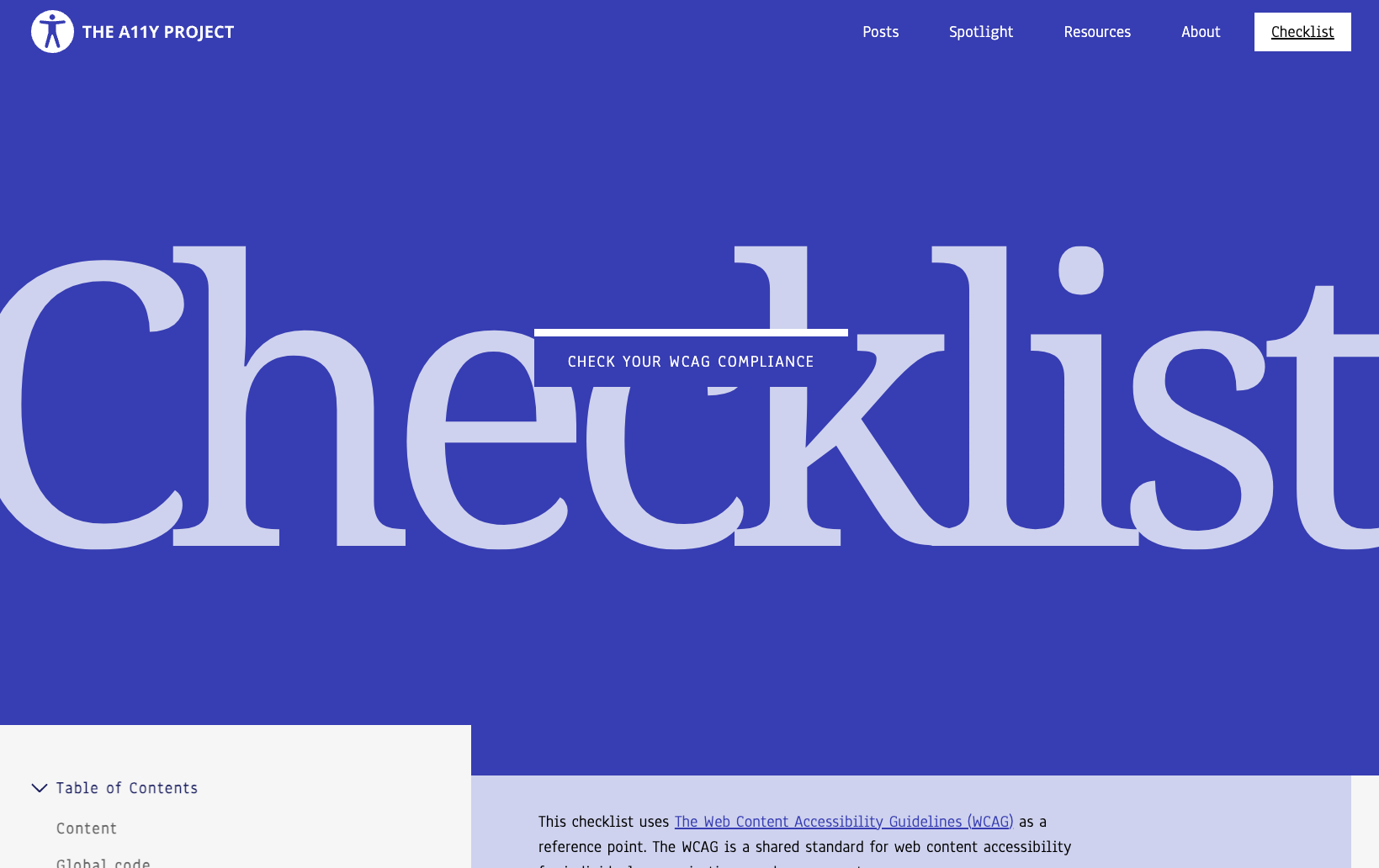
The A11y Project checklist provides an excellent resource that includes items such as checking for proper colour contrast, keyboard accessibility, and the correct use of descriptive text and alt attributes for images. This checklist can serve as a good foundation for testing the accessibility of your product.
To carry out screen reader testing we currently use Apple Voiceover. We recognise the need to test on Windows based screen readers such as NVDA and are looking into solutions that allow us test on various different OS / screen reader combinations.
Below are some important factors we test when conducting screen reader testing:
Compatibility
The screen reader should be able to navigate through the content, read the text, and interact with the controls.
Navigation and Focus
The screen reader should be able to navigate through the page using keyboard commands, landmarks, headings, and other navigation techniques.
Reading Order
The screen reader should read content in a logical and meaningful order.
Alternative Text (Alt Text)
Images should have appropriate alternative text descriptions (alt text) to provide meaningful information to visually impaired users.
Form Accessibility
Ensure that form elements, labels, and error messages are properly associated and announced.
ARIA Roles and Attributes
Verify that ARIA roles and attributes are correctly implemented and announced by the screen reader, providing additional context and functionality.
Multimedia Accessibility
Ensure that appropriate alternative text or captions are provided for multimedia content.
View a list of valuable resources about accessibility